
Your community and its requests,
in one control panel.
Property managers coordinate the community and residents request communal or private repairs. Access the HeyFinca CRM control panel: its integrated company database helps send requests by trade and area. Each profile has its own permissions.
- Send your request
- Reach professionals
- Review their replies
You stay in control of hiring. Availability and replies depend on the companies.
Are you a property manager?
Request access to manage your communities. HeyFinca reviews your application before approval and invitation. Residents and presidents join through their community manager.
Property manager · Request accessYour communities, in one place.
See communities, residents, open cases and completed work. Each manager accesses the information assigned to them.
Your management at a glance
Example of activity across communities, residents and jobs.
- 01
Keep work in context
Organise cases and documents by community.
- 02
Coordinate people
Register communities and residents; assign the chairperson role.
- 03
Decide the next step
Review communal issues and assign the responsible company.
Keep a record of every approval.
Quotes, permission to start work and payment approval are separate decisions. A chairperson may approve within the scope of a valid delegation.
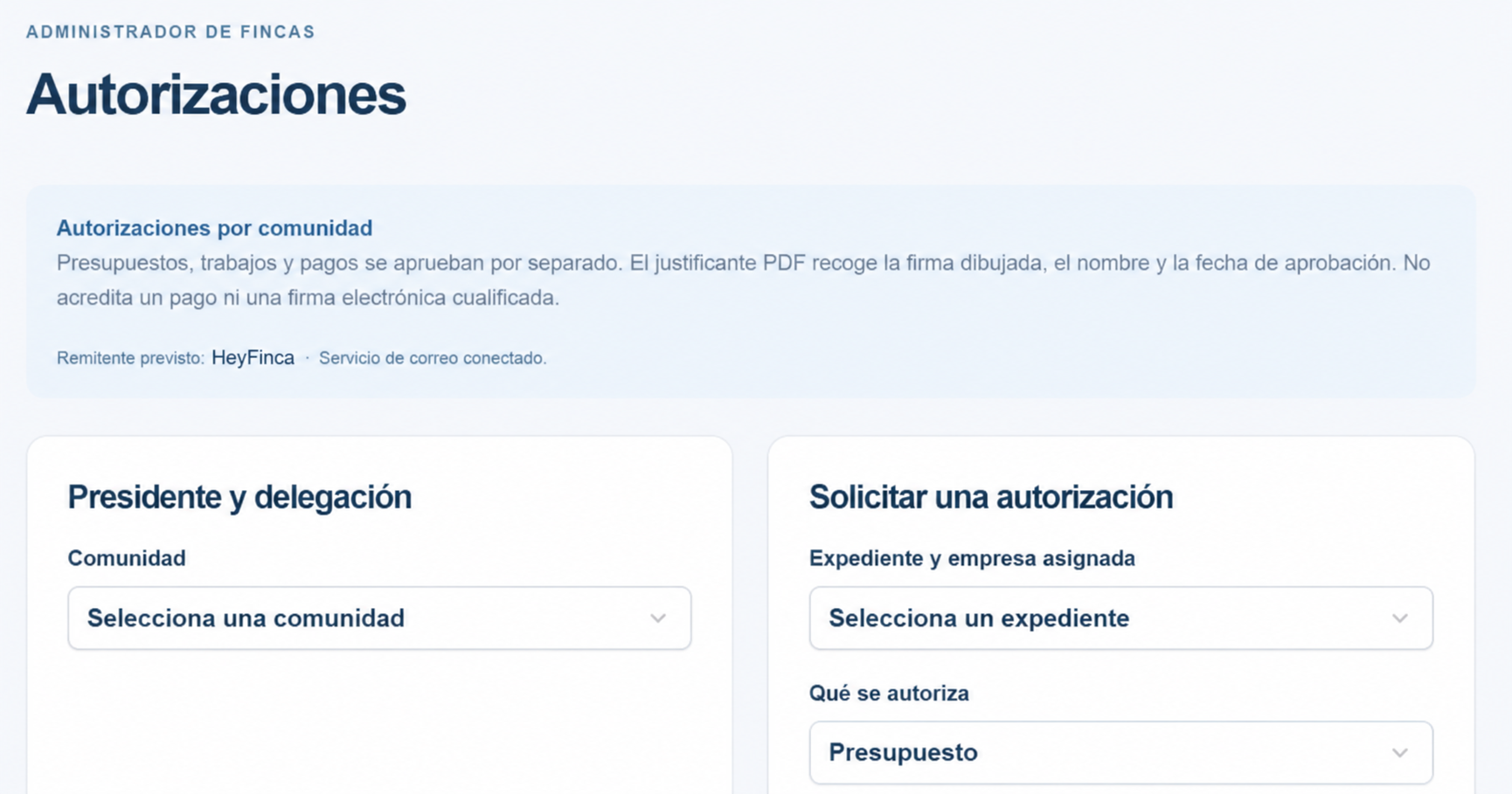
- 01
Choose the approver
The manager configures the chairperson’s delegation for each community.
- 02
Record approval and signature
The record includes identity, date and a drawn signature when provided.
- 03
Keep the approval receipt
A PDF is linked to the case, available according to permissions and can be emailed to the company.
The PDF is an approval record, not proof of payment or a qualified electronic signature. The company can only consult receipts for its own jobs.
Report an issue. Follow its progress.
Describe the problem, add its location and attach photos or videos. Separate communal issues from repairs inside your home.
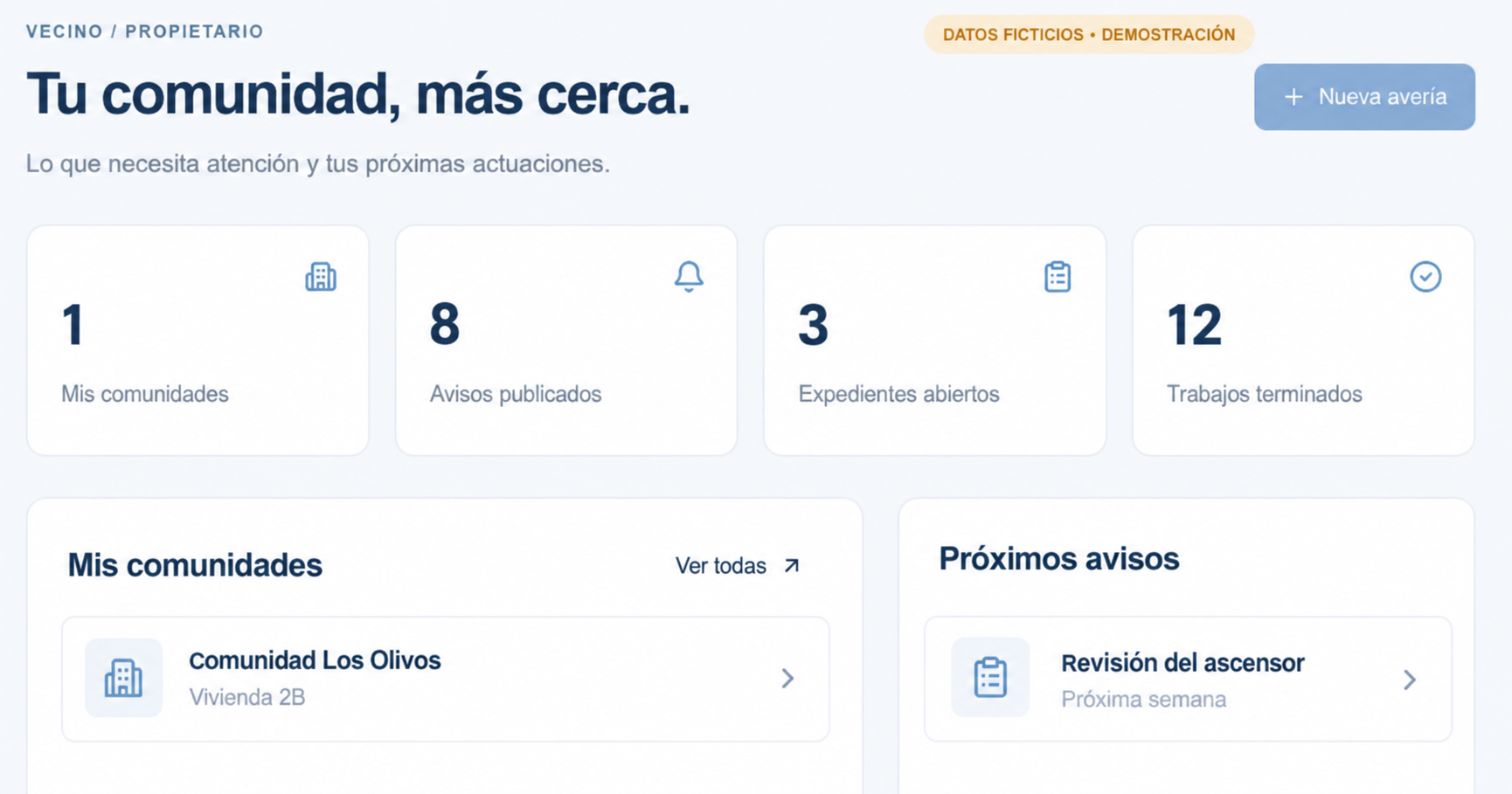
- 01
Show the problem
An overview and a detail photo help explain the issue.
- 02
Follow your case
See the status, comments and documents available to your account.
- 03
Stay informed
Read the notices and documents shared with you by your community’s managers.
Plans for property managers
No commitment to continue
- No advance payments
- No card
- No bank details
Afterwards, only if you choose to continue
Consultar tarifaper month per community
VAT included · Launch price
Start freePaid continuation requires your express confirmation.
If the price changes, we will notify you in advance and you may cancel before it takes effect.
HeyFinca reviews your application. Submitting it does not activate the trial or authorise charges. Existing agreed conditions remain unchanged.Your space, with your permissions.
The CRM operates with authorised HeyFinca accounts. HeyFinca reviews company and property manager registrations; residents are linked to their community by its manager.
Creating a profile does not automatically grant access. You need an invitation and an approved profile. Read and accept the terms before carrying out operations; they remain available in your account.
Check the company’s documentation.
HeyFinca reviews access applications; this does not certify a company’s qualifications, registrations or insurance. Before contracting, request and check the documentation required for the work. The professional remains responsible for its validity and performance of the work. HeyFinca retains its own legal responsibilities.
See requirements and responsibilities →